Average Ratings 0 Ratings
Average Ratings 9 Ratings
Similar Products
-
Zoho ProjectsProject management is as efficient as it gets. Zoho Projects, a cloud-based project management software, helps you plan and track your work efficiently. It also allows you to collaborate with your team from anywhere. To get things done on schedule, plan your project activities, assign work, manage your resources, and collaborate better with your team. Gantt charts can be used to create your project plan and track your tasks. Zoho Projects helps you keep track of your key tasks and their dependencies and shows you any deviations from your planned progress. Reduce time spent on repetitive tasks. Our project management software is easy to use, no matter how complex your process is. It has a drag-and drop interface that makes it easier to create and deploy new automations. The Projects timesheet module allows you to log both billable and unbilled hours. You can record every minute of your hardwork, manually or with timers. Our built-in integration with Zoho Invoice generates invoices.
-
YoffixYoffix is a versatile and secure hybrid workplace management platform tailored for organizations operating within the Microsoft 365 ecosystem. Specifically designed to integrate seamlessly with Microsoft Teams and Outlook, Yoffix empowers companies to oversee all aspects of their workplaces, from managing desk and room bookings to enforcing hybrid policies, handling visitors, and ensuring resource compliance. Beyond merely functioning as booking software, Yoffix fosters genuine collaboration among teams, enabling them to coordinate office attendance, minimize no-shows and double bookings, and enhance onsite teamwork, ultimately transforming the office into a hub of productivity. For IT, HR, and workplace management teams, Yoffix provides comprehensive control through customizable roles, permission-based governance, and sophisticated analytics on space utilization, attendance patterns, and team presence. The platform features single sign-on capabilities via Entra ID, two-way calendar synchronization, and extensive integrations with Microsoft to support swift onboarding without the need for additional tools. Moreover, Yoffix is fully compliant with GDPR regulations, ISO 27001 certified, and offers a flexible modular pricing structure, making it an ideal choice for organizations looking to optimize their hybrid work environments. Additionally, its user-friendly interface ensures that employees can easily navigate the system, enhancing overall workplace satisfaction and efficiency.
-
CloudFilerCloudFiler provides filing and searching in both New and Classic Outlook on all phones & tablets, all popular browsers, Macs and ARM based devices. Created Microsoft's new web Add-in technology by the architect of the Oasys email management system previously owned by Arup Group Ltd and the Excitech Mail system owned by Symetri and latterly Pentagon. File to: the cloud, Windows folders, SharePoint, OneDrive, Egnyte, Autodesk Forma, Bentley ProjectWise, etc. Favoured by the biggest businesses globally.
-
BrandMailBrandMail®, created by BrandQuantum, is an innovative software tool that integrates seamlessly with Microsoft Outlook, enabling all employees within the organization to automatically generate emails that consistently reflect the brand through an easy-to-use toolbar that grants access to brand guidelines and the most current pre-approved materials. With this solution, email signatures are crafted according to your branding requirements, ensuring a uniform appearance regardless of the device or platform used to view them. These signatures are secure and managed from a central location, providing peace of mind regarding their integrity. Notably, users can view their signatures, banners, and surveys when composing, replying to, or forwarding emails. Unlike other solutions, BrandMail does not redirect emails through external servers nor does it modify the rules within your exchange environment, functioning entirely within Microsoft Outlook. By utilizing BrandMail, organizations can turn every email into a branding opportunity while also reducing the security vulnerabilities linked to the manipulation of HTML signatures, thereby enhancing both brand consistency and cybersecurity. This not only streamlines communication but also reinforces the brand identity across all employee interactions.
-
Project InsightProject Insight helps organizations connect project data across teams and systems to make better decisions about their business. As a strategic project and portfolio management platform, it brings together resource and capacity planning, financial management, project requests, execution, governance, and portfolio performance. The result is a connected project data backbone that gives PMOs and executives visibility into organization-wide work and supports trustworthy reporting, forecasting, and AI analysis. Teams can continue using familiar tools such as Jira, Azure DevOps, Microsoft, Salesforce, ServiceNow, and HubSpot while Project Insight brings their project information into one central command center, reducing manual data entry and disconnected reporting. Manage projects, programs, and portfolios using flexible workflows, intelligent scheduling, Gantt charts, Kanban boards, time tracking, budget management, and customizable dashboards. Leaders can monitor workloads, project health, costs, and strategic priorities without chasing information across departments. AI-powered features help create project plans, turn meeting discussions into action items, recommend resources, forecast capacity, and evaluate what-if scenarios. From growing teams outgrowing spreadsheets to established PMOs with complex business processes, Project Insight adapts to the way organizations work through configurable processes, dedicated onboarding support, and free view-only access for clients and stakeholders.
-
DeskTimeDeskTime is a high-performance, 100% automated time tracking and productivity management solution designed for modern IT teams, software houses, and remote organizations. Unlike traditional trackers that rely on manual "Start/Stop" timers, DeskTime runs silently in the background, logging computer activity from the moment of boot-up to ensure zero data loss and absolute payroll accuracy. ⏱️ 🚀 Key Technical Features: ✅ Fully Automated Tracking: Eliminate manual timesheets. DeskTime captures arrival, departure, and total work hours automatically based on device activity. ⚡ ✅ Productivity Profiling: Categorize URLs, applications, and document titles as Productive, Unproductive, or Neutral. Calculate real-time efficiency scores for individuals and teams. 📈 ✅ Advanced Resource Management: Integrated Shift Scheduling and an Absence Calendar allow HR and team leads to manage leave, vacations, and staffing within a single interface. 📅 ✅ Project & Cost Analysis: Track billable hours at the project and task level. Monitor budget burn rates and export precise reports for client invoicing or CapEx/OpEx accounting. 💸 ✅ Offline Time Logging: Capture time spent in meetings or on-site visits via manual entries or the dedicated mobile app for Android and iOS. 📱 ✅ Enterprise-Grade Security: DeskTime is GDPR compliant and ISO 27001 certified. Features include two-factor authentication (2FA), data encryption at rest and in transit, and optional blurred screenshots to protect employee privacy. 🔒 🛠️ Built for Integration: Seamlessly sync your workflow with top-tier project management and communication tools, including: ⚙️Jira, GitLab, Trello, and Asana. ⚙️Google and Outlook Calendars. ⚙️Custom API for bespoke internal tool integration.
-
PlanfixThe Planfix platform allows organizations to manage their entire business online. Regardless of company size and industry, Planfix has something to offer as an excellent project and work management tool. With Planfix, your company gets a fully customizable management system, from process design to appearance. Planfix’s platform combines task and project management, CRM, sales, marketing, production, logistics, support service, accounting, and HR in one full-featured solution. Data is seamlessly transferred from one team to another - for example, a transaction at the implementation stage becomes a project and then is transferred to support. Planfix is equally well suited for businesses and non-profit organizations, public associations, or any other group of people working towards a common cause. Trusted by 7724 companies, automates business workflows of more than 68 000 users.
-
Planview ProjectAdvantagePlanview ProjectAdvantage brings clarity, control, and scalability to enterprise project management by unifying project data, resources, and performance insights in one platform. Built for growing PMOs and complex organizations, it eliminates silos and inefficiencies by connecting teams through a single source of truth. Users can monitor resource allocation, track workloads, and forecast capacity with precision using dynamic dashboards. ProjectAdvantage’s portfolio scoring tools and sandbox environments make it easy to prioritize initiatives and align them with company strategy. Its flexibility supports any methodology—Agile, hybrid, or Waterfall—making it ideal for diverse industries and workflows. Seamless integrations with leading enterprise systems like Jira, ServiceNow, and Microsoft Teams enable cross-functional collaboration and real-time visibility. Backed by AI-driven analytics, Planview Projectadvantage helps accelerate project delivery, improve performance tracking, and ensure continuous strategic alignment. Designed for agility, it’s a transformative solution that turns project chaos into structured, measurable success.
-
WrikeWrike is a powerful work management platform that gives cross-functional teams full visibility into complex projects. Our cloud-based collaboration software software is trusted by 20,000+ leading companies around the world, including tech giants such as Fitbit and Siemens. Wrike boasts a wide range of award-winning features, including dynamic request forms, automated workflows, cross-tagging, custom item types, and 400+ app integrations. Work smarter with Work Intelligence™: our advanced communication software that offers voice commands, smart replies, and document processing. We also offer tailor-made templates to help teams kick-start Agile projects and tick every box for compliance. As well as 99.9% uptime, our enterprise-grade security offers single sign-on, role-based access control, and continuous data backup. For extra peace of mind, you can use the Wrike Lock add-on and gain full ownership of your master encryption key. Wrike has been proven to make organizational processes 40% more efficient, eliminating time-consuming admin work and reducing costs across the board. Discover how it can benefit your team — start your free two-week trial today.
-
ClickUpWork is broken because your tools are. Dozens of apps, zero shared context, your team stuck playing messenger between all of them. That's not collaboration. That's overhead. ClickUp eliminates the mess. One platform: tasks, docs, chat, goals, time tracking, whiteboards, and AI Agents that work autonomously while you sleep. Everything shares one connected brain. No silos. No duplicated effort. No lost threads. Manage any workflow with custom views, automations, and real-time collaboration baked into every layer. 15+ views including List, Board, Gantt, Timeline, and Calendar. Create rich documents with nested pages and embedded tasks. Set measurable goals with automatic rollups that connect daily output to company objectives. Track time natively with timers, estimates, and workload views that prevent burnout. Over 1,000 integrations plug into your existing stack without adding chaos. GitHub, Slack, Google Drive, Figma, Salesforce, Zoom, and hundreds more — all feeding into one system of record. Built-in AI writes, summarizes, and executes entire workflows on its own. Not a bolt-on — native intelligence woven through every feature. AI Agents handle complex multi-step work around the clock without waiting for humans. SOC 2 Type II certified. SSO/SAML. Custom roles. Audit logs. Scales from five people to fifty thousand. Stop patching a broken system. Start free today. No credit card, no commitment.
Description
Experience seamless calendar integration for project management with Allocatus. Effortlessly identify your relevant tasks right within your Outlook calendar. Allocatus offers the capability to automatically synchronize tasks from Microsoft Project with your Outlook calendar or to-do list. You can generate Microsoft Project tasks within your project plan, assign them to team members, and then publish the plan to the Project Server or Project Online. These tasks will then automatically appear in the calendars of your team members through the AutoLink feature. Thanks to real-time calendar updates, any modifications made by the project manager are instantly communicated to all other project members. You have the option to create Microsoft Project tasks as either Outlook appointments or tasks. Additionally, it is important to highlight that Outlook appointments will also appear in the Microsoft Teams calendar, while Outlook tasks are reflected in Microsoft To Do. Allocatus can present your Microsoft Project tasks as all-day events or segmented into various appointments in your calendar, enhancing organization and productivity for your project team. This level of integration ensures that everyone stays on the same page and that project timelines are respected.
Description
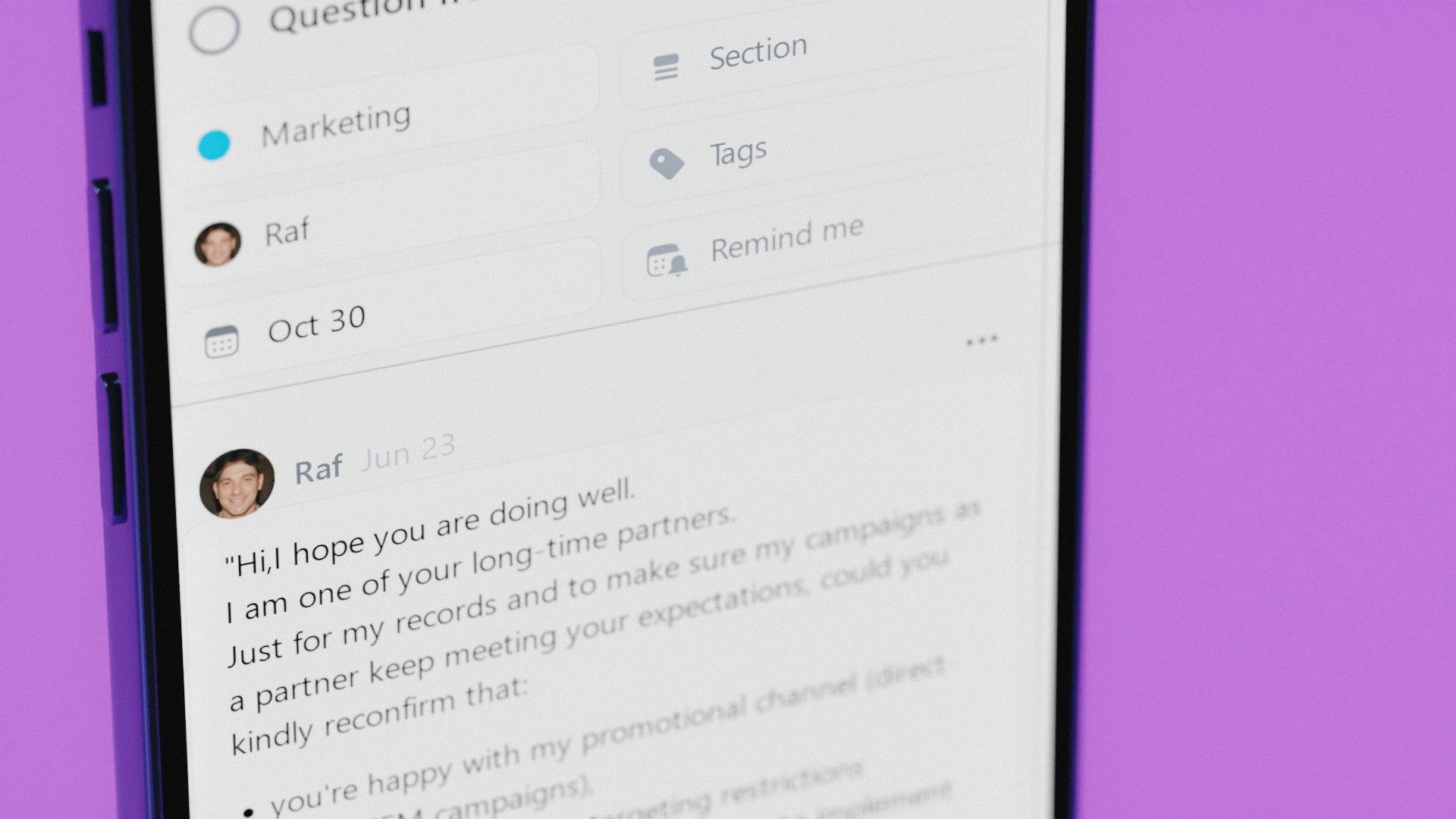
Nozbe is a simple tool that helps entrepreneurs get their private and business life organized. It's a perfect app for team collaboration and making your company thrive.
- Plan, manage and complete any type of work thanks to projects.
- Arrange everything into tasks with deadlines, reminders and time tracking.
- Bring team communication and collaboration into one place so you can get more work done and not stress out looking for things.
- Adapt your tasks view to your needs - use Incoming as your control center, Activity for tracking progress or Calendar - for scheduling.
Replace post-its, Trello, Reminders and Todoist with Nozbe and start getting things done more efficiently, today!
Nozbe is free for up to 5 active projects and 5 team members. No time limit. No credit card required. Easily upgrade to Premium when you need it.
Nozbe is simple - everyone on your team will easily get the hang of it. The app is simple to install and intuitive.
Nozbe is available on the Web, Windows, MacOS, Android and iOS. It also works offline!
Without the constant flood of emails, messages, or meetings, everyone will have longer stretches of uninterrupted time to do the actual work! This means a much higher Return On Investment.
API Access
Has API
No
API Access
Has API
Yes


Integrations
Microsoft Outlook
Yes
Desktop.com
No
Evernote
No
Google Calendar
No
IFTTT
No
Microsoft 365
Yes
Microsoft Project
Yes
Zapier
No
Integrations
Microsoft Outlook
Yes
Desktop.com
Yes
Evernote
Yes
Google Calendar
Yes
IFTTT
Yes
Microsoft 365
No
Microsoft Project
No
Zapier
Yes
Pricing Details
No price information available.
Free Trial
No
Free Version
No
Pricing Details
$9 per month
Free for up to 5 projects and 5 people
Free Trial
Yes
Free Version
Yes
Deployment
Web-Based
Yes
On-Premises
No
iPhone App
No
iPad App
No
Android App
No
Windows
Yes
Mac
No
Linux
No
Chromebook
No
Deployment
Web-Based
Yes
On-Premises
No
iPhone App
Yes
iPad App
Yes
Android App
Yes
Windows
Yes
Mac
Yes
Linux
No
Chromebook
No
Customer Support
Business Hours
Yes
Live Rep (24/7)
No
Online Support
Yes
Customer Support
Business Hours
No
Live Rep (24/7)
Yes
Online Support
Yes
Types of Training
Training Docs
Yes
Webinars
No
Live Training (Online)
Yes
In Person
Yes
Types of Training
Training Docs
Yes
Webinars
Yes
Live Training (Online)
Yes
In Person
Yes
Vendor Details
Company Name
Holert
Founded
1997
Country
Germany
Website
www.allocatus.com
Vendor Details
Company Name
Nozbe
Founded
2007
Country
Poland
Website
nozbe.com
Product Features
Task Management
Collaboration
No
Create Subtasks
No
Gamification
No
Gantt Charts
No
Mobile Access
No
Percent-Complete Tracking
No
Progress Tracking
No
Recurring Tasks
No
Reporting/Analytics
No
Spreadsheet View
No
Task Board View
No
Task Planning
No
Task Scheduling
No
Task Tracking
No
Time Tracking
No
To-Do List View
No
Product Features
Collaboration
Brainstorming
No
Calendar Management
Yes
Chat / Messaging
Yes
Contact Management
No
Content Management
No
Document Management
No
Project Management
Yes
Real Time Editing
No
Task Management
Yes
Version Control
No
Video Conferencing
No
Project Management
Agile Methodologies
No
Budget Management
No
Client Portal
No
Collaboration Tools
Yes
Cost-to-Completion Tracking
No
Customizable Templates
Yes
Gantt Charts
No
Idea Management
Yes
Kanban Board
No
Milestone Tracking
No
Portfolio Management
No
Resource Management
No
Time & Expense Tracking
No
Traditional Methodologies
Yes
Task Management
Collaboration
Yes
Create Subtasks
No
Gamification
No
Gantt Charts
No
Mobile Access
Yes
Percent-Complete Tracking
No
Progress Tracking
No
Recurring Tasks
Yes
Reporting/Analytics
Yes
Spreadsheet View
No
Task Board View
Yes
Task Planning
Yes
Task Scheduling
Yes
Task Tracking
Yes
Time Tracking
No
To-Do List View
Yes
Team Communication
Activity / News Feed
Yes
Audio Calls
No
Calendar Management
Yes
Chat / Messaging
Yes
Discussion Threads
Yes
File Sharing
Yes
Mobile Access
Yes
Push Notifications
Yes
Search
Yes
Surveys & Feedback
No
Task Management
Yes
Video Conferencing
No
