Average Ratings 32 Ratings
Average Ratings 0 Ratings
Similar Products
-
Google WorkspaceGoogle Workspace is an all-in-one cloud productivity platform developed by Google to help businesses manage communication, collaboration, document creation, and workflow automation from a centralized environment. The platform combines professional email, cloud storage, video conferencing, document editing, team messaging, scheduling, and AI-powered assistance into one subscription-based ecosystem optimized for modern work environments. Google Workspace includes applications such as Gmail, Google Drive, Google Meet, Docs, Sheets, Slides, Calendar, Chat, Keep, Forms, Sites, NotebookLM, and Gemini AI, enabling teams to work together seamlessly across devices and locations. One of the platform’s core strengths is its built-in AI functionality powered by Gemini, which helps users draft emails, summarize meetings, generate research insights, automate repetitive tasks, and improve productivity using contextual awareness from workplace data. Google Workspace also supports advanced collaboration features including real-time editing, appointment scheduling, eSignatures, document sharing, cloud storage management, and AI-assisted research tools. Businesses benefit from enterprise-grade security features such as AI-powered threat protection, data classification, endpoint management, Data Loss Prevention, secure access controls, and compliance support for enterprise environments. The platform offers scalable pricing plans suitable for startups, small businesses, enterprises, educational institutions, nonprofits, and government organizations. Google Workspace also simplifies data migration and onboarding with built-in migration tools and partner support for transferring emails, files, and business information securely into the cloud.
-
AxeroHundreds of companies and millions of employees use Axero’s intranet software to communicate, collaborate, manage tasks and events, organize content, and develop their company culture.
-
ProcareProcare is the most widely used child care management solution for child care centers, before and after school programs, and youth organizations to ease the burdens of running a business, coordinating staff, communicating with parents, and educating their children. ADMINISTRATION Manage every aspect of your center or multi-centers, all in one cloud-based, integrated platform. COMMUNICATION Keep your staff and parents connected on all milestones and activities, whether by phone, email, text, or the app, creating an environment of exceptional child care. BILLING AND PAYMENTS Automated billing and payment collection, making it convenient for parents while providing integrated, real-time data and functionality for providers. FINANCIAL MANAGEMENT Central real-time view of all financials and receivables for the center through the integrated dashboard. LESSON PLANNING Create lesson plans, student assessments, and manage lessons by classroom without the stress and time-consuming task of outdated paper formats. MOBILE APP An easy-to-use app that is fully integrated, for staff and family engagement, allowing centers to stay connected with families. AND MORE.. That’s why over 40,000 customers choose Procare.
-
Gradelink SISGradelink can help your school save time, increase enrollment and accomplish its mission. Gradelink, a renowned student management system and student information system, is suitable for all levels of schools from pre-K to college. It combines teaching, management, and learning tools to help schools achieve their best. It has top features such as attendance management, report cards and classes and scheduling, communications and student/parent information. Gradelink is easy to use. School who move to Gradelink find the setup so easy because set up is handled by our tech support team. Top features include attendance management, report cards, classes and scheduling, standards-grading system, communications, student information, and student/parent access. Lesson plans, grade sheets, parent communication and custom reports all work together in perfect unison. Gradelink is ideal for K8 schools, private schools and Charter schools. Help your school save time, increase enrollment, and achieve its mission with Gradelink. An award-winning student information system and school management system, Gradelink school management software system is suitable for Preschool through High school.
-
FathomFathom is an AI meeting assistant that helps users capture, summarize, search, and act on meetings with less manual work. The platform creates accurate transcripts, instant summaries, action items, and follow-up notes so users can focus on live conversations instead of taking notes. Fathom supports both traditional meeting capture and bot-free capture through its desktop app. Teams can use Fathom as a shared source of truth across customer calls, internal meetings, strategy sessions, and project conversations. Ask Fathom lets users search across meetings and ask questions about conversations, decisions, commitments, risks, and next steps. The platform also supports topic monitoring so important moments and signals are easier to find. Fathom syncs meeting notes, insights, and action items into tools such as Slack, Salesforce, HubSpot, Notion, Asana, Gmail, Zoom, Google Meet, Microsoft Teams, ChatGPT, Claude, Zapier, and API or MCP workflows. It supports security and compliance needs with SOC 2 Type II, GDPR, HIPAA compliance, SSO, and SCIM. By combining AI notetaking, bot-free capture, transcripts, summaries, integrations, search, and workflow automation, Fathom helps teams move from meetings to execution faster.
-
Construction Daily ReportsYou can save up to an hour per day on daily reports CDR – Construction Daily Reports is the fastest custom daily reporting solution available for the construction industry. It can be accessed on our mobile app for Android or Apple devices as well as our website portal. You can customize your reports by entering project details. Then, you can take photos and make notes using your mobile device. CDR will email your completed report in professional PDF format to you after you sign it. We also save it on our servers so that you can upload it to your cloud storage. CDR is a mobile-friendly, time-saving construction software designed to simplify your reporting process. Start your free trial now!
-
Google Cloud BigQueryBigQuery is a serverless, multicloud data warehouse that makes working with all types of data effortless, allowing you to focus on extracting valuable business insights quickly. As a central component of Google’s data cloud, it streamlines data integration, enables cost-effective and secure scaling of analytics, and offers built-in business intelligence for sharing detailed data insights. With a simple SQL interface, it also supports training and deploying machine learning models, helping to foster data-driven decision-making across your organization. Its robust performance ensures that businesses can handle increasing data volumes with minimal effort, scaling to meet the needs of growing enterprises. Gemini within BigQuery brings AI-powered tools that enhance collaboration and productivity, such as code recommendations, visual data preparation, and intelligent suggestions aimed at improving efficiency and lowering costs. The platform offers an all-in-one environment with SQL, a notebook, and a natural language-based canvas interface, catering to data professionals of all skill levels. This cohesive workspace simplifies the entire analytics journey, enabling teams to work faster and more efficiently.
-
CompanyCamCompanyCam is a photo-based solution created specifically for contractors. Users can take unlimited photos—which are location and time stamped, sent to the cloud, and stored securely. Every photo is organized by project and instantly available to your team, allowing you to see what’s going on anytime, anywhere.
-
SciSureSciSure is a Scientific Management Platform built to support the full range of laboratory operations for scientific organizations. It combines ELN, LIMS, and Health & Safety functionality, giving teams a single system to document experiments, track sample lineage, manage chemical inventory, and run structured, audit-ready compliance processes. Instead of relying on disconnected systems, organizations get one governed platform that improves reproducibility, increases visibility into lab operations, and reduces risk as they scale.
-
ONLYOFFICE DocsONLYOFFICE Docs is a secure online office suite for teams and businesses of all sizes. Create and edit docs, sheets, slides, fillable forms and PDFs. Collaborate with your teammates in real time using two co-editing modes, version history and other tools. Enable the AI assistant of your choice — ChatGPT, DeepSeek, Mistral, Groq AI, etc. Generate new content, summarize, translate and do more with your favourite AI tool while working on office files. Integrate ONLYOFFICE Docs into your business platform, whether it be Odoo, Alfresco, Confluence, Pipedrive, Nextcloud, Redmine, SuiteCRM, etc., via an integration app (40+ available integrations). Use Docs within ONLYOFFICE DocSpace, a room-based document collaboration platform equipped with the online office suite. Create dedicated spaces for different purposes, invite your teammates, assign access permissions and collaborate the way you like. With DocSpace, you can store, share and co-edit office files, and even interact with third parties.
Description
Microsoft OneNote transforms traditional note-taking into a smart, collaborative, and AI-powered experience. With Copilot, you can quickly generate outlines, action items, study plans, or summaries from your notes with just a prompt. The platform supports text, drawings, images, audio, and digital ink—offering full flexibility for capturing ideas in any form. The new Sticky Notes experience makes quick capturing effortless and recalls related notes automatically when you revisit a topic. Collaboration is frictionless: teams, students, and families can co-edit and share notebooks in real time across devices. For educators, OneNote in Education streamlines lesson planning, student feedback, and digital handwriting exercises in interactive notebooks. Voice transcription captures spoken content instantly, while annotations and highlights bring visual clarity to complex ideas. Fully integrated with Microsoft 365 and OneDrive, OneNote keeps every idea synced, secure, and accessible anywhere you work.
Description
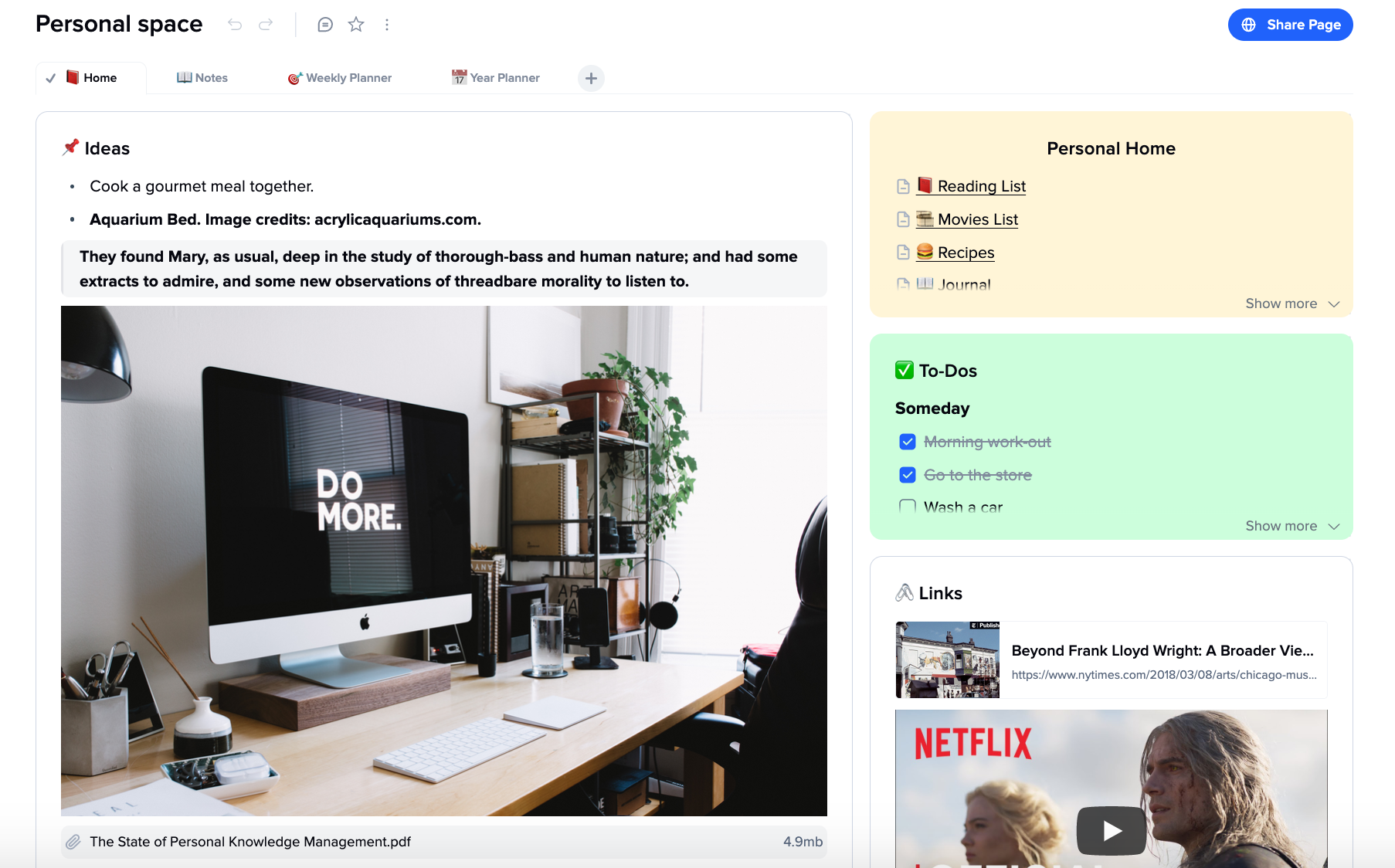
An app that allows you to take web notes. It combines the best of whiteboards and text editors.
Use cards and tabs to organize your thoughts, think, and write. All of your ideas can be arranged and enriched in one place.
You can create an infinite canvas that allows cards to look like sticky notes. They are thought units with clear borders that are displayed on a white, squeaky-clean canvas.
We chose clear-cut, intuitive functions to prevent the document becoming more messy as the cards increase in number. These include drag'n-drops, deep dive, tabs within a file, embedded images, videos, and hyperlinks, as well as sub-pages. Users are able to navigate easily and have a well-organized space.
Instead of providing scattered information, the tool provides a bird's eye view of the cards and creates the big picture.
Our app provides a space for collaboration between teams, sharing cards and exchanging ideas.
API Access
Has API
No
API Access
Has API
No




Integrations
AI Office Bot
Yes
Bevica
Yes
Copy 'Em
Yes
Dialpad Sell
Yes
ElectroNeek
Yes
GB Network Solutions
Yes
Gems
Yes
Igloo
Yes
Microsoft 365 Copilot Researcher
Yes
Microsoft Loop
Yes
Integrations
AI Office Bot
No
Bevica
No
Copy 'Em
No
Dialpad Sell
No
ElectroNeek
No
GB Network Solutions
No
Gems
No
Igloo
No
Microsoft 365 Copilot Researcher
No
Microsoft Loop
No
Pricing Details
Free
Free Trial
Yes
Free Version
Yes
Pricing Details
$8
Free Trial
No
Free Version
Yes
Deployment
Web-Based
Yes
On-Premises
No
iPhone App
Yes
iPad App
Yes
Android App
Yes
Windows
Yes
Mac
Yes
Linux
No
Chromebook
No
Deployment
Web-Based
Yes
On-Premises
No
iPhone App
Yes
iPad App
Yes
Android App
Yes
Windows
No
Mac
No
Linux
No
Chromebook
Yes
Customer Support
Business Hours
No
Live Rep (24/7)
No
Online Support
Yes
Customer Support
Business Hours
No
Live Rep (24/7)
Yes
Online Support
Yes
Types of Training
Training Docs
Yes
Webinars
No
Live Training (Online)
No
In Person
No
Types of Training
Training Docs
Yes
Webinars
No
Live Training (Online)
Yes
In Person
Yes
Vendor Details
Company Name
Microsoft
Founded
1975
Country
United States
Website
www.onenote.com
Vendor Details
Company Name
xTiles Inc
Founded
2021
Country
United States
Website
xtiles.app
Product Features
Note-Taking
Categories / Organization
No
Clip From Web
No
Document Scanning
No
Formatting / Markdown
No
Handwriting
No
Hyperlinking
No
Image Insertion
No
List/Checklist Creation
No
Printing
No
Search
No
Sharing / Collaboration
No
Syncing
No
Templates
No
Voice Notes
No
Productivity
Collaboration
No
Database Creation
No
Document Creation
No
File Sharing
No
Notes Management
No
Office Suite
No
Presentation Tools
No
Project Management
No
Task Management
No
Team Chat
No
Product Features
Note-Taking
Categories / Organization
Yes
Clip From Web
Yes
Document Scanning
No
Formatting / Markdown
Yes
Handwriting
No
Hyperlinking
Yes
Image Insertion
Yes
List/Checklist Creation
Yes
Printing
No
Search
Yes
Sharing / Collaboration
Yes
Syncing
Yes
Templates
Yes
Voice Notes
Yes
