Average Ratings 2 Ratings
Average Ratings 0 Ratings
Similar Products
-
ClickUpWork is broken because your tools are. Dozens of apps, zero shared context, your team stuck playing messenger between all of them. That's not collaboration. That's overhead. ClickUp eliminates the mess. One platform: tasks, docs, chat, goals, time tracking, whiteboards, and AI Agents that work autonomously while you sleep. Everything shares one connected brain. No silos. No duplicated effort. No lost threads. Manage any workflow with custom views, automations, and real-time collaboration baked into every layer. 15+ views including List, Board, Gantt, Timeline, and Calendar. Create rich documents with nested pages and embedded tasks. Set measurable goals with automatic rollups that connect daily output to company objectives. Track time natively with timers, estimates, and workload views that prevent burnout. Over 1,000 integrations plug into your existing stack without adding chaos. GitHub, Slack, Google Drive, Figma, Salesforce, Zoom, and hundreds more — all feeding into one system of record. Built-in AI writes, summarizes, and executes entire workflows on its own. Not a bolt-on — native intelligence woven through every feature. AI Agents handle complex multi-step work around the clock without waiting for humans. SOC 2 Type II certified. SSO/SAML. Custom roles. Audit logs. Scales from five people to fifty thousand. Stop patching a broken system. Start free today. No credit card, no commitment.
-
Google WorkspaceGoogle Workspace is an all-in-one cloud productivity platform developed by Google to help businesses manage communication, collaboration, document creation, and workflow automation from a centralized environment. The platform combines professional email, cloud storage, video conferencing, document editing, team messaging, scheduling, and AI-powered assistance into one subscription-based ecosystem optimized for modern work environments. Google Workspace includes applications such as Gmail, Google Drive, Google Meet, Docs, Sheets, Slides, Calendar, Chat, Keep, Forms, Sites, NotebookLM, and Gemini AI, enabling teams to work together seamlessly across devices and locations. One of the platform’s core strengths is its built-in AI functionality powered by Gemini, which helps users draft emails, summarize meetings, generate research insights, automate repetitive tasks, and improve productivity using contextual awareness from workplace data. Google Workspace also supports advanced collaboration features including real-time editing, appointment scheduling, eSignatures, document sharing, cloud storage management, and AI-assisted research tools. Businesses benefit from enterprise-grade security features such as AI-powered threat protection, data classification, endpoint management, Data Loss Prevention, secure access controls, and compliance support for enterprise environments. The platform offers scalable pricing plans suitable for startups, small businesses, enterprises, educational institutions, nonprofits, and government organizations. Google Workspace also simplifies data migration and onboarding with built-in migration tools and partner support for transferring emails, files, and business information securely into the cloud.
-
FathomFathom is an AI meeting assistant that helps users capture, summarize, search, and act on meetings with less manual work. The platform creates accurate transcripts, instant summaries, action items, and follow-up notes so users can focus on live conversations instead of taking notes. Fathom supports both traditional meeting capture and bot-free capture through its desktop app. Teams can use Fathom as a shared source of truth across customer calls, internal meetings, strategy sessions, and project conversations. Ask Fathom lets users search across meetings and ask questions about conversations, decisions, commitments, risks, and next steps. The platform also supports topic monitoring so important moments and signals are easier to find. Fathom syncs meeting notes, insights, and action items into tools such as Slack, Salesforce, HubSpot, Notion, Asana, Gmail, Zoom, Google Meet, Microsoft Teams, ChatGPT, Claude, Zapier, and API or MCP workflows. It supports security and compliance needs with SOC 2 Type II, GDPR, HIPAA compliance, SSO, and SCIM. By combining AI notetaking, bot-free capture, transcripts, summaries, integrations, search, and workflow automation, Fathom helps teams move from meetings to execution faster.
-
WrikeWrike is a powerful work management platform that gives cross-functional teams full visibility into complex projects. Our cloud-based collaboration software software is trusted by 20,000+ leading companies around the world, including tech giants such as Fitbit and Siemens. Wrike boasts a wide range of award-winning features, including dynamic request forms, automated workflows, cross-tagging, custom item types, and 400+ app integrations. Work smarter with Work Intelligence™: our advanced communication software that offers voice commands, smart replies, and document processing. We also offer tailor-made templates to help teams kick-start Agile projects and tick every box for compliance. As well as 99.9% uptime, our enterprise-grade security offers single sign-on, role-based access control, and continuous data backup. For extra peace of mind, you can use the Wrike Lock add-on and gain full ownership of your master encryption key. Wrike has been proven to make organizational processes 40% more efficient, eliminating time-consuming admin work and reducing costs across the board. Discover how it can benefit your team — start your free two-week trial today.
-
MobiPDFMobiPDF (formerly PDF Extra) is an intuitive reader and editor that allows you to read, edit, create, OCR, organize, annotate, fill and sign, convert, and share any PDF. This makes MobiPDF an excellent choice for users seeking a budget-friendly alternative to Adobe Acrobat Pro. HERE’S WHAT YOU GET WITH MOBIPDF: Multiple Page View Modes: Enjoy a distraction-free "Read Mode". Advanced Editing Tools: Experience a Word-like PDF editing environment. Two-Way Conversions: Convert PDFs to and from Word, Excel, PowerPoint, or image formats. OCR Support: Make scanned documents searchable. Markup Tools: Highlight, comment, strikethrough, stamp, and more to enhance your documents. Effortless PDF Organizer: Reorder, compress, split, and combine PDFs with ease. Sign & Secure: Add signatures, create and fill forms, and protect your PDFs with passwords, encryption, and digital certificates. Offline Mode: Work freely on your projects, even offline. Seamless translation: One-click translate any PDF into 50+ languages.
-
SciSureSciSure is a Scientific Management Platform built to support the full range of laboratory operations for scientific organizations. It combines ELN, LIMS, and Health & Safety functionality, giving teams a single system to document experiments, track sample lineage, manage chemical inventory, and run structured, audit-ready compliance processes. Instead of relying on disconnected systems, organizations get one governed platform that improves reproducibility, increases visibility into lab operations, and reduces risk as they scale.
-
Google Cloud BigQueryBigQuery is a serverless, multicloud data warehouse that makes working with all types of data effortless, allowing you to focus on extracting valuable business insights quickly. As a central component of Google’s data cloud, it streamlines data integration, enables cost-effective and secure scaling of analytics, and offers built-in business intelligence for sharing detailed data insights. With a simple SQL interface, it also supports training and deploying machine learning models, helping to foster data-driven decision-making across your organization. Its robust performance ensures that businesses can handle increasing data volumes with minimal effort, scaling to meet the needs of growing enterprises. Gemini within BigQuery brings AI-powered tools that enhance collaboration and productivity, such as code recommendations, visual data preparation, and intelligent suggestions aimed at improving efficiency and lowering costs. The platform offers an all-in-one environment with SQL, a notebook, and a natural language-based canvas interface, catering to data professionals of all skill levels. This cohesive workspace simplifies the entire analytics journey, enabling teams to work faster and more efficiently.
-
ONLYOFFICE DocsONLYOFFICE Docs is a secure online office suite for teams and businesses of all sizes. Create and edit docs, sheets, slides, fillable forms and PDFs. Collaborate with your teammates in real time using two co-editing modes, version history and other tools. Enable the AI assistant of your choice — ChatGPT, DeepSeek, Mistral, Groq AI, etc. Generate new content, summarize, translate and do more with your favourite AI tool while working on office files. Integrate ONLYOFFICE Docs into your business platform, whether it be Odoo, Alfresco, Confluence, Pipedrive, Nextcloud, Redmine, SuiteCRM, etc., via an integration app (40+ available integrations). Use Docs within ONLYOFFICE DocSpace, a room-based document collaboration platform equipped with the online office suite. Create dedicated spaces for different purposes, invite your teammates, assign access permissions and collaborate the way you like. With DocSpace, you can store, share and co-edit office files, and even interact with third parties.
-
Adobe AcrobatAdobe Acrobat is an all-in-one PDF productivity and e-signature platform and one of the leading enterprise document platforms that scales for global teams — designed to simplify document creation, editing, collaboration, and protection. Users can edit text and images directly within PDFs, reorganize pages, and compare file versions to quickly identify changes. The software enables fast conversion between PDFs and common file formats such as Microsoft Word, Excel, PowerPoint, and image files. Integrated e-signature capabilities allow businesses to collect legally binding signatures and track responses securely. With Acrobat Studio, Adobe Acrobat expands beyond core PDF and e‑signature tasks into an AI‑powered workspace for document insight, content creation, and collaboration.Acrobat AI Assistant adds intelligent document support by summarizing content, generating insights, and answering contextual questions with cited references. PDF Spaces creates a collaborative workspace where teams can centralize files, comments, and AI-driven guidance. Built-in protection tools safeguard documents with encryption, permissions, and redaction features. Mobile apps such as Acrobat Reader and Adobe Scan ensure access and editing capabilities from anywhere. Designed for individuals, students, and enterprises, Adobe Acrobat helps reduce document processing time and improve overall productivity.
-
CompanyCamCompanyCam is a photo-based solution created specifically for contractors. Users can take unlimited photos—which are location and time stamped, sent to the cloud, and stored securely. Every photo is organized by project and instantly available to your team, allowing you to see what’s going on anytime, anywhere.
Description
Goodnotes is a digital note-taking, document management, and collaboration application that combines handwriting tools with artificial intelligence and cloud synchronization. The platform allows users to create digital notebooks, typed documents, and interactive whiteboards for organizing information, developing ideas, and managing projects. Its handwriting technology supports stylus input, handwriting recognition, spellchecking, text conversion, drawing tools, and searchable handwritten content. PDF annotation capabilities enable users to highlight documents, add handwritten comments, mark up reports, and organize reference materials. Goodnotes AI can summarize information, answer questions using document content, generate visual summaries, and transform meeting notes into structured action items. Audio recording tools capture conversations and synchronize recordings with handwritten notes, allowing users to replay specific moments and generate searchable transcripts. Its digital whiteboard provides an infinite canvas for brainstorming, mind mapping, sketching diagrams, and collaborative planning. Real-time collaboration enables teams to edit shared documents, exchange comments, track changes, and synchronize updates across supported devices. Goodnotes supports personal productivity, education, business meetings, document review, and knowledge management through applications for Apple devices, Android, Windows, and web browsers.
Description
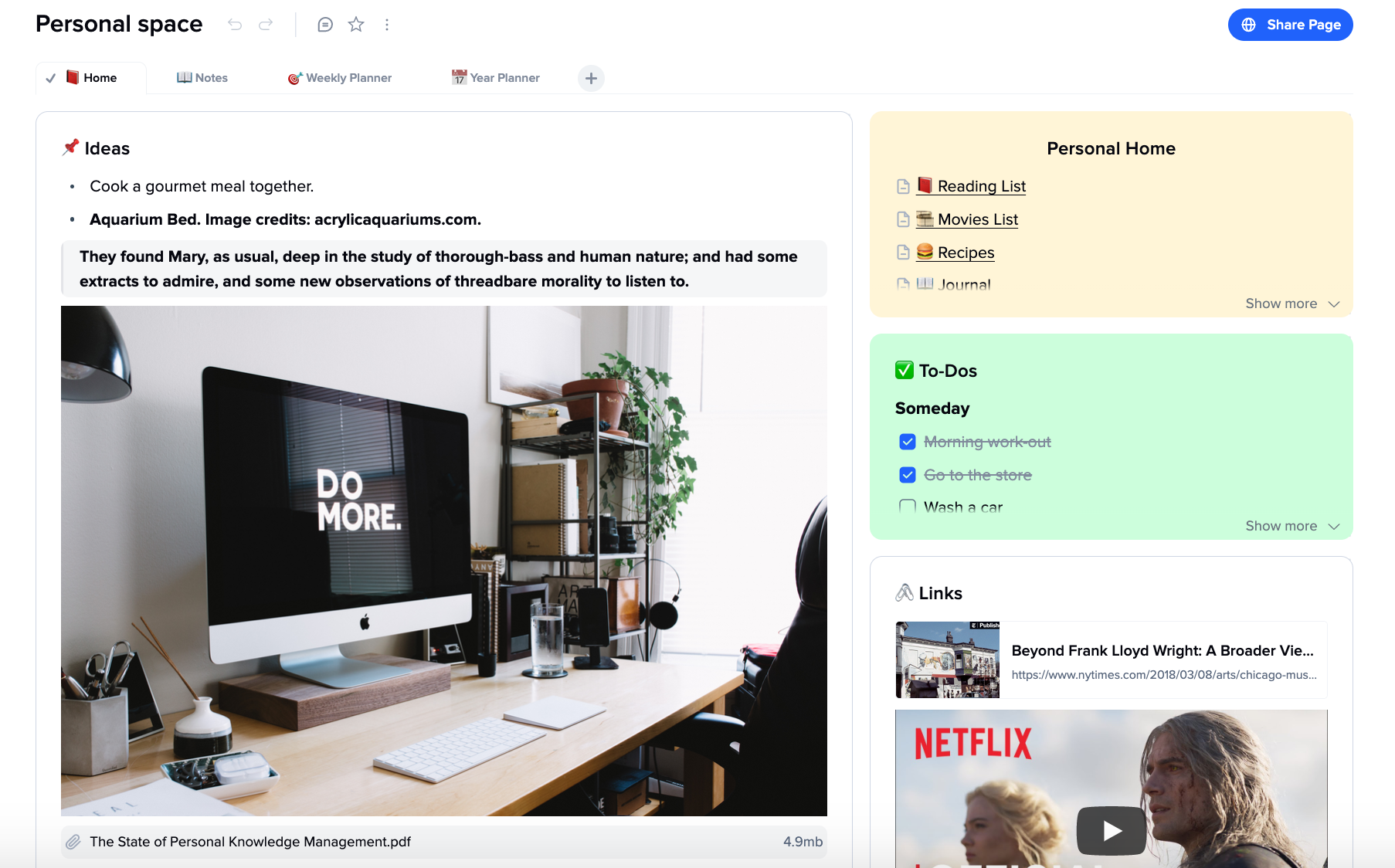
An app that allows you to take web notes. It combines the best of whiteboards and text editors.
Use cards and tabs to organize your thoughts, think, and write. All of your ideas can be arranged and enriched in one place.
You can create an infinite canvas that allows cards to look like sticky notes. They are thought units with clear borders that are displayed on a white, squeaky-clean canvas.
We chose clear-cut, intuitive functions to prevent the document becoming more messy as the cards increase in number. These include drag'n-drops, deep dive, tabs within a file, embedded images, videos, and hyperlinks, as well as sub-pages. Users are able to navigate easily and have a well-organized space.
Instead of providing scattered information, the tool provides a bird's eye view of the cards and creates the big picture.
Our app provides a space for collaboration between teams, sharing cards and exchanging ideas.
API Access
Has API
No
API Access
Has API
No




Integrations
Microsoft PowerPoint
No
Microsoft Word
No
iCloud
No
Pricing Details
$11.99/year
Free Trial
Yes
Free Version
Yes
Pricing Details
$8
Free Trial
No
Free Version
Yes
Deployment
Web-Based
Yes
On-Premises
No
iPhone App
Yes
iPad App
Yes
Android App
Yes
Windows
Yes
Mac
Yes
Linux
No
Chromebook
No
Deployment
Web-Based
Yes
On-Premises
No
iPhone App
Yes
iPad App
Yes
Android App
Yes
Windows
No
Mac
No
Linux
No
Chromebook
Yes
Customer Support
Business Hours
No
Live Rep (24/7)
No
Online Support
Yes
Customer Support
Business Hours
No
Live Rep (24/7)
Yes
Online Support
Yes
Types of Training
Training Docs
Yes
Webinars
No
Live Training (Online)
No
In Person
No
Types of Training
Training Docs
Yes
Webinars
No
Live Training (Online)
Yes
In Person
Yes
Vendor Details
Company Name
Goodnotes
Founded
2011
Country
United Kingdom
Website
www.goodnotes.com
Vendor Details
Company Name
xTiles Inc
Founded
2021
Country
United States
Website
xtiles.app
Product Features
Note-Taking
Categories / Organization
No
Clip From Web
No
Document Scanning
No
Formatting / Markdown
No
Handwriting
No
Hyperlinking
No
Image Insertion
No
List/Checklist Creation
No
Printing
No
Search
No
Sharing / Collaboration
No
Syncing
No
Templates
No
Voice Notes
No
Productivity
Collaboration
No
Database Creation
No
Document Creation
No
File Sharing
No
Notes Management
Yes
Office Suite
No
Presentation Tools
No
Project Management
No
Task Management
No
Team Chat
No
Product Features
Note-Taking
Categories / Organization
Yes
Clip From Web
Yes
Document Scanning
No
Formatting / Markdown
Yes
Handwriting
No
Hyperlinking
Yes
Image Insertion
Yes
List/Checklist Creation
Yes
Printing
No
Search
Yes
Sharing / Collaboration
Yes
Syncing
Yes
Templates
Yes
Voice Notes
Yes
