Average Ratings 0 Ratings
Average Ratings 1 Rating
Similar Products
-
MobiPDFMobiPDF (formerly PDF Extra) is an intuitive reader and editor that allows you to read, edit, create, OCR, organize, annotate, fill and sign, convert, and share any PDF. This makes MobiPDF an excellent choice for users seeking a budget-friendly alternative to Adobe Acrobat Pro. HERE’S WHAT YOU GET WITH MOBIPDF: Multiple Page View Modes: Enjoy a distraction-free "Read Mode". Advanced Editing Tools: Experience a Word-like PDF editing environment. Two-Way Conversions: Convert PDFs to and from Word, Excel, PowerPoint, or image formats. OCR Support: Make scanned documents searchable. Markup Tools: Highlight, comment, strikethrough, stamp, and more to enhance your documents. Effortless PDF Organizer: Reorder, compress, split, and combine PDFs with ease. Sign & Secure: Add signatures, create and fill forms, and protect your PDFs with passwords, encryption, and digital certificates. Offline Mode: Work freely on your projects, even offline. Seamless translation: One-click translate any PDF into 50+ languages.
-
PDF GuruEasily convert, edit, merge, and compress your PDF files with just a few simple clicks. You can quickly download your document without any hassle, as our PDF converter generates files in mere seconds! To ensure the safety of your digital information, we implement HTTPS encryption while you create PDF files on our site. You can redact PDFs, alter text, insert new elements, and engage in various other tasks, all from a single platform. Our user-friendly interface is designed for seamless navigation, allowing you to utilize our PDF creator with minimal effort. Compatible with every major operating system, our online PDF maker functions flawlessly on Windows, Mac OS, Linux, iOS, and Android. For those who wish to maintain privacy, you have the option to secure your file by locking or restricting access, preventing others from opening, editing, or printing it. This comprehensive tool simplifies your document management and enhances your productivity.
-
Adobe AcrobatAdobe Acrobat is an all-in-one PDF productivity and e-signature platform and one of the leading enterprise document platforms that scales for global teams — designed to simplify document creation, editing, collaboration, and protection. Users can edit text and images directly within PDFs, reorganize pages, and compare file versions to quickly identify changes. The software enables fast conversion between PDFs and common file formats such as Microsoft Word, Excel, PowerPoint, and image files. Integrated e-signature capabilities allow businesses to collect legally binding signatures and track responses securely. With Acrobat Studio, Adobe Acrobat expands beyond core PDF and e‑signature tasks into an AI‑powered workspace for document insight, content creation, and collaboration.Acrobat AI Assistant adds intelligent document support by summarizing content, generating insights, and answering contextual questions with cited references. PDF Spaces creates a collaborative workspace where teams can centralize files, comments, and AI-driven guidance. Built-in protection tools safeguard documents with encryption, permissions, and redaction features. Mobile apps such as Acrobat Reader and Adobe Scan ensure access and editing capabilities from anywhere. Designed for individuals, students, and enterprises, Adobe Acrobat helps reduce document processing time and improve overall productivity.
-
TheBestPDFWelcome to our state-of-the-art SaaS platform that specializes in online document editing and conversion. Tailored specifically for businesses and entrepreneurs, TheBestPDF offers exceptional file management solutions suitable for teams of any size. You can store your documents in various formats and sizes within our secure vault. Choose from multiple plans designed to help you optimize your resources and expenses. Our platform is accessible across all devices and operating systems, making it highly versatile. Your business data is protected with HTTPS encryption, guaranteeing that every file you create remains secure. Effortlessly redact, insert objects, and sign PDFs, simplifying document management for your organization. With our speedy PDF converter, document conversion is quick and efficient, ideal for busy teams. Setting up your company’s document workflows is a breeze thanks to our intuitive editor interface. We're committed to fostering long-term partnerships by providing 24/7 customer support. By bringing together innovative thinkers, we deliver integrated solutions that effectively address your business challenges while enhancing productivity and collaboration.
-
Apryse PDF SDKApryse (formerly PDFTron) makes documents work harder for you. We give organizations the power to handle the full document lifecycle — from secure server-side processing to smooth web-based collaboration — without relying on third-party services. With Apryse, you can: Integrate advanced document capabilities like viewing, editing, annotation, and e-signature directly into your applications. Deploy on your own infrastructure for maximum control, privacy, and compliance. Scale effortlessly with technology built for high-volume, enterprise-grade workflows. Deliver modern web experiences that are fast, accessible, and reliable across browsers and devices. Trusted worldwide, Apryse helps enterprises, developers, and small businesses simplify workflows, cut costs, and deliver better digital document experiences.
-
Nutrient SDKNutrient provides an extensive solution for all your PDF requirements, delivering tools that seamlessly operate PDF features across any platform. 1. SDK: Incorporate advanced PDF functionality into iOS, Android, Windows, web, or any cross-platform technology, supplying abilities like PDF viewing, annotation, collaboration, and beyond. 2. Libraries: Employ our powerful .NET and Java libraries to enhance your backend applications with batch processing of redactions and PDF forms, OCR'd scanned text, and PDF document editing, all directly from your application server. 3. Processor: Our agile PDF microservice, Processor, enables rapid generation of PDFs from HTML, including HTML forms, as well as Office-to-PDF conversions, OCR, redaction, and XFDF combining and exporting. 4. PDF API: Take advantage of our hosted PDF API to generate, convert, and alter PDF documents in your workflows. We handle the development and server management, freeing you up to concentrate on your business. At Nutrient, we're not just a tool; we're a committed ally in your success. Gain direct contact with our engineers for expert guidance, utilize comprehensive examples to simplify integration, and make the most of our top-tier documentation.
-
JotformTrusted by over 25 million users worldwide, Jotform is an all-in-one platform that simplifies data collection, workflow automation, and online sales, all without coding. With Jotform’s drag-and-drop Form Builder, businesses can create customized forms and surveys to collect leads, contact information, payments, appointments, and e-signatures with ease. Choose from over 10,000 templates for everything from feedback surveys to registration forms, or build your own from scratch. Jotform's advanced features, such as conditional logic, autoresponders, and over 200 integrations, further streamline processes. In addition, Jotform's AI-powered Agents offer real-time customer support by guiding users through the form submission process, answering questions, and ensuring a smooth experience, all while reducing the need for manual intervention. With Jotform’s Store Builder, you can also set up an online store, sell products, services, and subscriptions, collect donations, and receive payments through 30+ supported payment gateways. Finally, Jotform’s tools like Approvals, PDF Editor, and Report Builder help businesses transform collected data into actionable insights and automate workflows for even greater efficiency.
-
TitanPartnering with Salesforce, Titan Forms and Apps are a game-changer in the industry, making the world’s number #1 CRM accessible, and effortless for anyone to use. At the touch of a button, and with zero code, experience strength, speed, and agility for Salesforce Forms and your business processes. Slash time to market, nuke code, and tackle any use case on a single platform. Our best-of-breed forms and applications for Salesforce cater to any industry and it’s our mission to provide custom solutions for difficult problems. Build beautiful web portals, sign documents, generate docs, send surveys, automate contracts, fill out Salesforce forms, and so much more in just a few simple clicks. No code required and with our new AI assistant you can build even faster and with fewer errors. We are the only product on the market that empowers you to send data to Salesforce and pull it back in real-time without any development or added expense. Our customers and partners are the heartbeat of Titan. If you need a feature, simply request it via our Titan X Lab and we will consider it for our roadmap! So what’s stopping you? Schedule a demo today.
-
RAD PDFInstall-free PDF editing, form filling, redaction, signing, viewing, and more on your website with RAD PDF! Packaged as an easy to use library / WebControl (compatible with .NET 3.5+, .NET Core, and .NET 5+), RAD PDF can be used with just about any flavor of ASP.NET including MVC, Razor, Blazor, WebForms, and more. RAD PDF is compatible with 99% of internet browsers, including those on Linux, Mac OS X, Microsoft Windows, and mobile. No plugins. No Adobe Reader. RAD PDF is more than a PDF to HTML converter. It natively supports all the most common PDF features including annotations, bookmarks, form fields, page labels, and more. With advanced PDF options, RAD PDF allows you to selectively enable and disable features not available with Adobe Acrobat Reader, like protecting a PDF from being downloaded while still viewable online. RAD PDF users can use PDF form fields directly from the web browser by enabling PDF form filling and PDF form saving without having to install any software. Integrating directly with ASP.NET, RAD PDF allows your web application to capture input data, build custom workflows, and provide an intuitive graphical user interface (GUI) for just about any online PDF interaction imaginable!
-
MobiOfficeMobiOffice (formerly OfficeSuite) is an easy-to-use office suite alternative, used by over 250 million users across 195 countries. Available on Windows, Android, iOS, and macOS, MobiOffice includes MobiDocs, MobiSheets, and MobiSlides. MobiOffice helps you manage text documents, spreadsheets, and presentations with ease. It's compatible with all major file formats including Microsoft Office (DOCX, ODT, PPTX), Google (Docs, Sheets, Slides), Apple iWork, and more. Explore each component: MobiDocs: Create and modify documents with comprehensive formatting options. MobiSheets: Simplify data management and analysis to visualize insights and generate reports effortlessly. MobiSlides: Craft impressive presentations with customizable templates and multimedia capabilities. MobiOffice integrates with MobiDrive, MobiSystems’ cloud storage solution for easy document saving and synchronization. Try it free for 7 days to see how this office suite meets your needs. Optimized for all major platforms, MobiOffice’s components - MobiDocs, MobiSheets, and MobiSlides - are available as a complete suite or as standalone apps on Windows, delivering tailored and affordable solutions that suit individual needs.
Description
CleverPDF has been delivering solutions for document reconstruction for several years now. In 2017, we made the decision to create this website, offering users free online tools for PDF conversion and editing, ensuring they can manage their everyday tasks directly in their web browsers. Additionally, we have collaborated with a leading provider in the PDF industry to offer a desktop version compatible with both Mac and Windows. The team at CleverPDF is committed to continually enhancing our website and services for our users. We hope you find our tools enjoyable and beneficial! Recently, we've added five new features, such as converting ODT to PDF, reordering and deleting pages, extracting images, and an image converter. We've also improved the conversion capabilities for Asian characters, which will significantly boost the quality of PDF conversions for documents in Chinese. With CleverPDF, converting Word documents to PDF is incredibly simple; just upload your Word file and click the 'Start conversion' button, and we will take care of everything on our servers. You can expect to download your converted file instantly with ease. We look forward to seeing how our new features enhance your document management experience!
Description
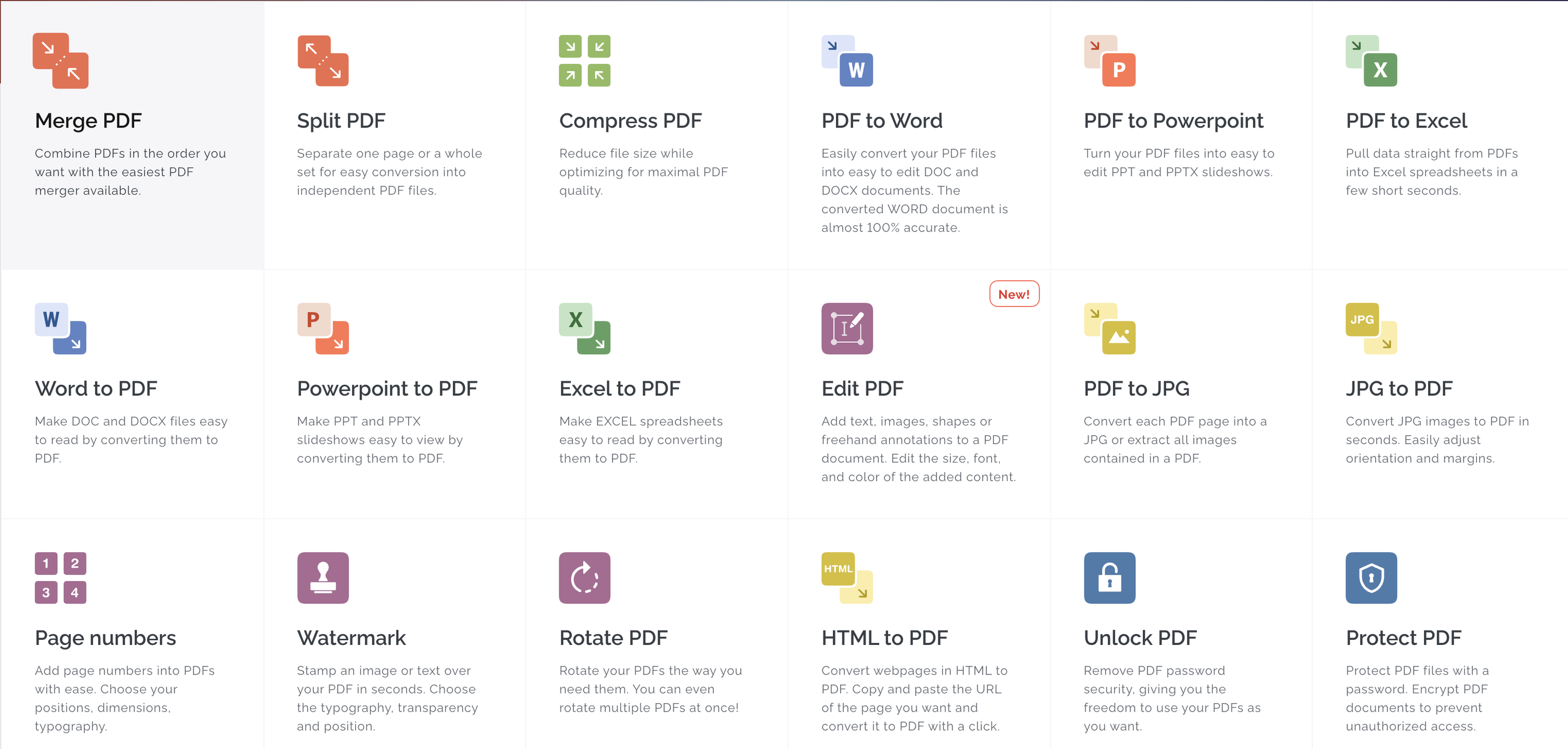
All the tools you need to work with PDFs are in one place. All the tools you need to work with PDFs are at your fingertips. All of them are 100% free and easy to use. With just a few clicks, you can merge, split, compress and convert, rotate, unlock, watermark, and convert PDFs. The easiest PDF merger allows you to combine PDFs in any order you like. You can easily separate pages or entire sets of pages to convert them into PDF files. Optimize for maximum PDF quality while reducing file size. With incredible accuracy, convert PDFs to WORD documents. Convert PDFs to POWERPOINT Sign and certificate PDF documents. Request digital signatures or sign your documents.
API Access
Has API
No
API Access
Has API
Yes

Integrations
Anything
No
Conext
No
Desktop.com
No
Dropbox
No
Google Chrome
No
Google Drive
No
Microsoft Excel
No
Microsoft PowerPoint
No
Microsoft Word
No
Stackreaction
No
Integrations
Anything
Yes
Conext
Yes
Desktop.com
Yes
Dropbox
Yes
Google Chrome
Yes
Google Drive
Yes
Microsoft Excel
Yes
Microsoft PowerPoint
Yes
Microsoft Word
Yes
Stackreaction
Yes
Pricing Details
Free
Free Trial
Yes
Free Version
Yes
Pricing Details
$7 per month
Or $60 per year
Free Trial
Yes
Free Version
Yes
Deployment
Web-Based
Yes
On-Premises
No
iPhone App
No
iPad App
No
Android App
No
Windows
Yes
Mac
Yes
Linux
No
Chromebook
No
Deployment
Web-Based
Yes
On-Premises
No
iPhone App
Yes
iPad App
Yes
Android App
Yes
Windows
Yes
Mac
Yes
Linux
No
Chromebook
No
Customer Support
Business Hours
No
Live Rep (24/7)
No
Online Support
Yes
Customer Support
Business Hours
Yes
Live Rep (24/7)
Yes
Online Support
Yes
Types of Training
Training Docs
Yes
Webinars
No
Live Training (Online)
No
In Person
Yes
Types of Training
Training Docs
Yes
Webinars
No
Live Training (Online)
Yes
In Person
No
Vendor Details
Company Name
CleverPDF
Founded
2017
Country
China
Website
www.cleverpdf.com
Vendor Details
Company Name
iLovePDF
Founded
2010
Country
Spain
Website
www.ilovepdf.com
Product Features
Annotations
No
Convert to PDF
No
Digital Signature
No
Encryption
No
Merge / Append
No
PDF Reader
No
Watermarking
No
Product Features
Digital Signature
Audit Trail
Yes
Authentication
Yes
Auto Reminders
Yes
Customizable Templates
Yes
Document Analytics
No
Mobile Signature
Yes
Multi-Party Signing
Yes
Progress Tracking
Yes
Task Progress Tracking
Yes
Annotations
Yes
Convert to PDF
Yes
Digital Signature
Yes
Encryption
Yes
Merge / Append
Yes
PDF Reader
Yes
Watermarking
Yes
PDF Editors
Access Controls / Permissions
No
Annotations
No
Commenting / Notes
No
Compare Side-by-Side
No
Customizable Branding
No
Delete Pages
No
Electronic Signature
No
Forms Management
No
Full Text Search
No
Merge / Append
No
Offline Access
Yes
Optical Character Recognition (OCR)
No
Rearrange Pages
No
Rotate Pages
No
Watermarking
No
