Pixlr Description
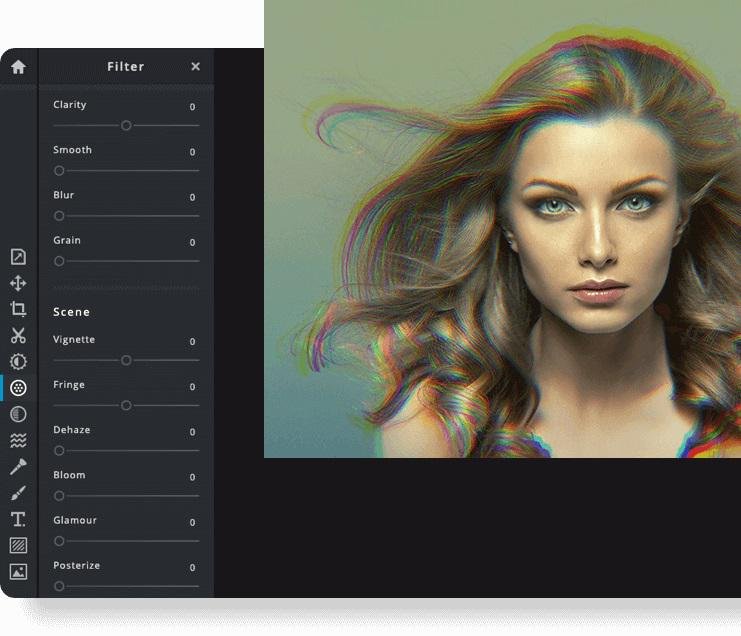
Pixlr is a free online photo editor that enables users to enhance images and create stunning designs directly in their browser. With advanced AI-powered tools, you can enjoy a seamless and intuitive photo editing experience that delivers professional results in no time. The editor supports a wide range of image formats, including PSD (Photoshop), PXD, JPEG, PNG (with transparency), WebP, SVG, and others. You have the option to start with a blank canvas or choose from our selection of expertly designed templates. Thanks to our innovative AI design tools, tedious editing tasks are a thing of the past; you can effortlessly remove backgrounds from images with just one click, capturing even the finest details like individual strands of hair. Let the power of AI and machine learning elevate your photo editing and background removal to unprecedented heights! With straightforward controls, such as toggles and adjustable sliders, achieving stunning and unique photo effects has never been easier. Explore endless creative possibilities and transform your images with Pixlr today!
Pricing
Integrations
Company Details
Media




Product Details
Pixlr Features and Options
Pixlr User Reviews
Write a Review-
Likelihood to Recommend to Others 10 out of 10
Excellent for generating quality visual content in a matter of a few minutes 5 out of 5 stars Date: Jun 24 2021
Summary: It has helped us to work in an organized and efficient way on our graphic design. As a result, in a very short time, we have produced excellent photos, images, and logos to be leveraged on our website, social media, business cards, and more; for the benefit of our organization and clients.
Positive: I love the navigability within the user interface of this tool and how much it brings to our work team when creating and retouching visual content. Its performance has been exceptional; it is fast and provides us with many functions and resources that simplify our graphic design. It is an exceptional tool to manipulate and produce excellent visual content, it has nothing to envy competing products. Its ease of use, great intuitiveness and breadth of functions make everything easier for graphic design teams.
Negative: The only thing I don't like is that it has ads within the user interface, sometimes it is a bit annoying, so far, it is the only thing I have not enjoyed.
Read More...
- Previous
- You're on page 1
- Next
