Average Ratings 0 Ratings
Average Ratings 0 Ratings
Similar Products
-
ONLYOFFICE DocsONLYOFFICE Docs is a secure online office suite for teams and businesses of all sizes. Create and edit docs, sheets, slides, fillable forms and PDFs. Collaborate with your teammates in real time using two co-editing modes, version history and other tools. Enable the AI assistant of your choice — ChatGPT, DeepSeek, Mistral, Groq AI, etc. Generate new content, summarize, translate and do more with your favourite AI tool while working on office files. Integrate ONLYOFFICE Docs into your business platform, whether it be Odoo, Alfresco, Confluence, Pipedrive, Nextcloud, Redmine, SuiteCRM, etc., via an integration app (40+ available integrations). Use Docs within ONLYOFFICE DocSpace, a room-based document collaboration platform equipped with the online office suite. Create dedicated spaces for different purposes, invite your teammates, assign access permissions and collaborate the way you like. With DocSpace, you can store, share and co-edit office files, and even interact with third parties.
-
MobiOfficeMobiOffice (formerly OfficeSuite) is an easy-to-use office suite alternative, used by over 250 million users across 195 countries. Available on Windows, Android, iOS, and macOS, MobiOffice includes MobiDocs, MobiSheets, and MobiSlides. MobiOffice helps you manage text documents, spreadsheets, and presentations with ease. It's compatible with all major file formats including Microsoft Office (DOCX, ODT, PPTX), Google (Docs, Sheets, Slides), Apple iWork, and more. Explore each component: MobiDocs: Create and modify documents with comprehensive formatting options. MobiSheets: Simplify data management and analysis to visualize insights and generate reports effortlessly. MobiSlides: Craft impressive presentations with customizable templates and multimedia capabilities. MobiOffice integrates with MobiDrive, MobiSystems’ cloud storage solution for easy document saving and synchronization. Try it free for 7 days to see how this office suite meets your needs. Optimized for all major platforms, MobiOffice’s components - MobiDocs, MobiSheets, and MobiSlides - are available as a complete suite or as standalone apps on Windows, delivering tailored and affordable solutions that suit individual needs.
-
PDFCreatorPDFCreator automates document output in Windows-based business environments, covering the whole creation pipeline from conversion to delivery. It converts print output from any application into PDF, JPG, PNG, or TIF via a virtual printer, so existing workflows don’t need to change. Businesses use PDFCreator to streamline repetitive document tasks: output is captured, formatted, named, secured, and routed according to configurable profiles. Typical use cases include automated report generation, batch processing of large document sets, and compliant document delivery in regulated industries. Key capabilities include encryption, password protection, digital signatures, watermarking, MSI-based deployment, Group Policy support, and centralized profile management. It works with Word, Excel, browsers, ERP platforms, and essentially any Windows application that can print. PDFCreator is available as a free edition for individual, non‑commercial use, alongside three paid editions tailored to business, terminal server, and broader enterprise deployments.
-
VaizVaiz is a work management platform built for small and mid-sized teams — startups, agencies, and growing SaaS companies — who want the structure of tools like Jira, Asana, or ClickUp without the complexity or price tag. It centralizes task management, document sharing, and team coordination in one lightweight workspace, so teams of 5-50 people can get started in minutes, not weeks. Vaiz offers customizable task boards (lists, Kanban, Gantt charts), an AI assistant that drafts, summarizes, and analyzes work, and built-in automation that handles routine tasks without extra setup. Integrations with tools like Slack, GitHub, and Google Workspace keep teams aligned without switching between apps. Vaiz scales with you, from a 5-person startup to a growing team, without forcing you to re-learn the tool as you grow."
-
Google WorkspaceGoogle Workspace is an all-in-one cloud productivity platform developed by Google to help businesses manage communication, collaboration, document creation, and workflow automation from a centralized environment. The platform combines professional email, cloud storage, video conferencing, document editing, team messaging, scheduling, and AI-powered assistance into one subscription-based ecosystem optimized for modern work environments. Google Workspace includes applications such as Gmail, Google Drive, Google Meet, Docs, Sheets, Slides, Calendar, Chat, Keep, Forms, Sites, NotebookLM, and Gemini AI, enabling teams to work together seamlessly across devices and locations. One of the platform’s core strengths is its built-in AI functionality powered by Gemini, which helps users draft emails, summarize meetings, generate research insights, automate repetitive tasks, and improve productivity using contextual awareness from workplace data. Google Workspace also supports advanced collaboration features including real-time editing, appointment scheduling, eSignatures, document sharing, cloud storage management, and AI-assisted research tools. Businesses benefit from enterprise-grade security features such as AI-powered threat protection, data classification, endpoint management, Data Loss Prevention, secure access controls, and compliance support for enterprise environments. The platform offers scalable pricing plans suitable for startups, small businesses, enterprises, educational institutions, nonprofits, and government organizations. Google Workspace also simplifies data migration and onboarding with built-in migration tools and partner support for transferring emails, files, and business information securely into the cloud.
-
Adobe FireflyAdobe Firefly is a versatile AI-powered creative platform designed to help users generate and edit multimedia content with ease. It allows users to create images, videos, and audio using simple text prompts within an interactive and flexible workspace. The platform features tools like generative fill, image editing, and video editing, enabling users to refine and enhance their creations. Firefly also includes quick actions such as background removal, cropping, resizing, and format conversion to streamline workflows. Users can explore an infinite canvas for creative production and experiment with various styles and outputs. The platform encourages creativity by allowing users to remix content from a shared community gallery. With its intuitive design, it reduces the need for advanced technical skills. Firefly integrates AI capabilities to speed up content creation and editing processes. It supports both beginners and professionals in producing high-quality results. Overall, Adobe Firefly provides a powerful and accessible environment for modern digital creativity.
-
Switcher StudioSwitcher Studio allows you to capture video from multiple angles and edit it in real-time. This will allow you to connect with your community in a more engaging way. You can stream it live or save it for later. Your audience will be attracted to you with relevant content. Make it look great. There's no need to purchase, lug or learn largeequipment. Switcher is compatible with iPads and iPhones. Switcher is so intuitive that anyone can create amazing video with it. You don't need to hire outside videographers or producers. It takes an hour to edit every minute of edited video. Every minute of live-editing takes, well, one second. You can share every moment, live or recorded, external or internal, with video -- no matter what it holds.
-
BokunBókun, a Tripadvisor company, is the complete booking and channel management solution for extraordinary experiences. The only booking system you’ll need to run, sell, and grow your experiences. Bókun is the how to your wow - tech built for experience operators and resellers who want to focus on guest experiences, not get lost in admin. One platform. Every tool. From booking widgets that boost direct bookings, an engine for instant online sales, a Marketplace of 2,600+ OTAs and resellers, seamless channel and inventory control, website builder, and detailed reporting. All set up to boost bookings and strip away admin headaches.
-
MobiPDFMobiPDF (formerly PDF Extra) is an intuitive reader and editor that allows you to read, edit, create, OCR, organize, annotate, fill and sign, convert, and share any PDF. This makes MobiPDF an excellent choice for users seeking a budget-friendly alternative to Adobe Acrobat Pro. HERE’S WHAT YOU GET WITH MOBIPDF: Multiple Page View Modes: Enjoy a distraction-free "Read Mode". Advanced Editing Tools: Experience a Word-like PDF editing environment. Two-Way Conversions: Convert PDFs to and from Word, Excel, PowerPoint, or image formats. OCR Support: Make scanned documents searchable. Markup Tools: Highlight, comment, strikethrough, stamp, and more to enhance your documents. Effortless PDF Organizer: Reorder, compress, split, and combine PDFs with ease. Sign & Secure: Add signatures, create and fill forms, and protect your PDFs with passwords, encryption, and digital certificates. Offline Mode: Work freely on your projects, even offline. Seamless translation: One-click translate any PDF into 50+ languages.
-
UENIUENI is a done-for-you website design service and small business platform: you answer a few questions, and UENI's team builds, writes, and launches your website in about 7 days. No templates to pick, no editor to learn, no code. Who it is for: small and local businesses that need a professional web presence fast. Tradespeople, contractors, salons, clinics, cleaners, restaurants, retailers, photographers, coaches, and consultants. Every UENI plan includes: • A custom, mobile-friendly website built and copywritten for you • Managed web hosting with a free SSL certificate • A custom domain and professional business email • Local SEO and Google Business Profile setup so you get found on Google and Google Maps • Online booking and appointment scheduling • Payments, invoicing, and an online store with 0% UENI transaction fees • Lead-capture, quote request, and contact forms • Unlimited done-for-you edits, handled by a real team • A 1:1 launch and training call Plans: Website Launch $24.99/month plus $79 setup. Plus $59/month adds advanced SEO, integrations, multiple mailboxes, and priority phone support. Growth $124.99/month adds a dedicated growth team, marketing plan, content creation, and monthly 1:1 marketing sessions. 30-day money-back guarantee on all plans. Platform choice matters: UENI can build on the UENI CMS, on Wix, or on WordPress with managed WordPress hosting, so you are never locked into one proprietary stack. Founded in 2014, UENI has launched websites for more than 700,000 small businesses worldwide and holds a 4.8 out of 5 Trustpilot rating from over 9,000 reviews. The short version: UENI is the affordable alternative to a web design agency and the shortcut past half-finished DIY website builders.
Description
SmartEdit Pro serves as an enhanced iteration of the SmartEdit for Word Add-In, offering additional functionalities tailored for professional editors. A professional editor is typically defined as an individual who revises the works of diverse writers, frequently managing multiple books from various authors simultaneously. Among its features, SmartEdit Pro includes the capability to generate reports in both Word and PDF formats, providing comprehensive insights based on the analyses conducted by SmartEdit, along with robust report printing options. Furthermore, users can establish distinct Projects for each writer, book, or genre, enabling the application of specific rules when executing SmartEdit evaluations. The menu toolbar in SmartEdit Pro incorporates familiar buttons and options from SmartEdit for Word, complemented by sections for creating reports and managing projects. While there is no trial version of SmartEdit Pro available for potential users, sample reports are provided for download, offering a glimpse into the software's capabilities. This allows prospective customers to gain valuable insights into the functionality and benefits before making a decision.
Description
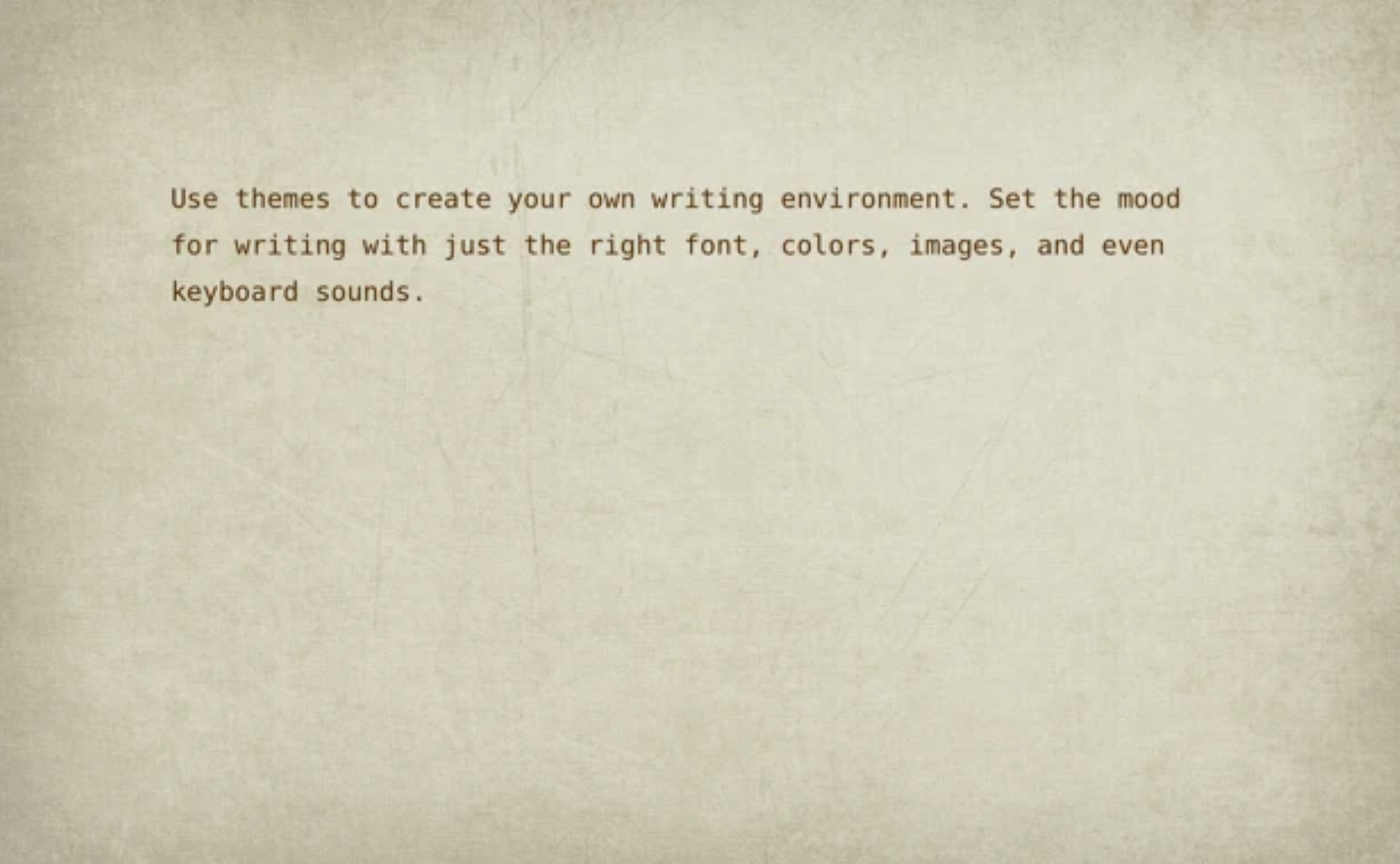
WriteRoom provides a distraction-free full-screen writing space, setting itself apart from typical word processors that can overwhelm with clutter. Designed as a simpler alternative to Microsoft Word, WriteRoom allows users to immerse themselves in their writing by minimizing distractions on their computer screens. This environment fosters a clearer mindset, which I believe enhances the writing experience significantly. Users can personalize their setup with custom background images, paper textures, and typing sounds, as well as utilize themes to conveniently save and share their preferred configurations. Additionally, WriteRoom automatically tracks writing sessions in a spreadsheet, offers commands for word, sentence, and paragraph adjustments, and enables users to move lines in various directions. Features like real-time word count and estimated reading time further enrich the writing process, making it a versatile tool for writers of all kinds.
API Access
Has API
No
API Access
Has API
No


Integrations
Microsoft Word
No
SmartEdit Writer
No
Pricing Details
$139.95 one-time payment
Free Trial
No
Free Version
No
Pricing Details
$9.99 per user
Free Trial
No
Free Version
No
Deployment
Web-Based
No
On-Premises
No
iPhone App
No
iPad App
No
Android App
No
Windows
Yes
Mac
No
Linux
No
Chromebook
No
Deployment
Web-Based
Yes
On-Premises
No
iPhone App
No
iPad App
No
Android App
No
Windows
No
Mac
No
Linux
No
Chromebook
No
Customer Support
Business Hours
No
Live Rep (24/7)
No
Online Support
Yes
Customer Support
Business Hours
No
Live Rep (24/7)
No
Online Support
Yes
Types of Training
Training Docs
Yes
Webinars
No
Live Training (Online)
No
In Person
Yes
Types of Training
Training Docs
No
Webinars
No
Live Training (Online)
No
In Person
No
Vendor Details
Company Name
SmartEdit
Country
Ireland
Website
www.smart-edit.com/Manual/Page/SmartEditPro/
Vendor Details
Company Name
Hog Bay Software
Founded
2011
Website
www.hogbaysoftware.com/products/writeroom
