GoAnywhere MFT offers secure file transfer for businesses. GoAnywhere MFT software can be deployed on-premise, in cloud or hybrid environments. It allows organizations to securely exchange data between employees, customers, trading partners, and systems. GoAnywhere MFT won the Cybersecurity Excellence Award in Secure File Transfer.
Learn more
CrankWheel allows you to share your screen while on a call. This makes it easy to create engaging presentations. You can send a link via email or SMS to the viewer and they will be able to view it in any browser on any device. CrankWheel was designed for simplicity and can be shared with customers to facilitate business deals.
CrankWheel can be used to complement calls from insurance agents, mortgage advisors and solar advisors as well as educators and customer support specialists.
CrankWheel is easy to integrate with websites and allows users to add a Demo button to receive quick notifications. We can show you if they are paying attention. Our Chrome Extension has enabled over 50,000 users to share their screens with prospects, regardless of their technical skills or device choice. CrankWheel can be used on old browsers and obscure devices, even with poor network connections. It works on Mac, Android, iOS, Blackberries, Internet Explorer, and Android.
Learn more
EaseUS MobiXpert
Introducing an all-in-one toolkit designed specifically for resolving any issues related to your iPhone. Each year, a staggering 45% of users face storage shortages, and the iOS platform offers limited options for personalization. Entering the wrong password multiple times can lead to accidental device locks. With MobiXpert, you'll enjoy abundant storage space, swift WhatsApp transfers, and efficient management of your data. Transitioning from an old iPhone to a new one becomes a breeze, as MobiXpert ensures the recovery of all lost data. It also provides a solution for unlocking devices that have been locked by mistake, while allowing you to alter your iPhone's location globally as desired. You can even personalize your ringtones with MobiXpert, making it a comprehensive toolkit that caters to various needs. Always at your fingertips, this solution has been a trusted choice by users for over 18 years. It serves as a straightforward iPhone management and data transfer tool, facilitating seamless data migration between devices or backing up data to your PC. In addition, it features professional-grade iOS data recovery capabilities to restore data directly from iOS devices, iTunes, and iCloud backups, plus it can unlock passcodes for iPhone, iPad, and iPod, as well as remove Apple ID. With MobiXpert, you can tackle all your iPhone challenges effortlessly.
Learn more
Smart Transfer
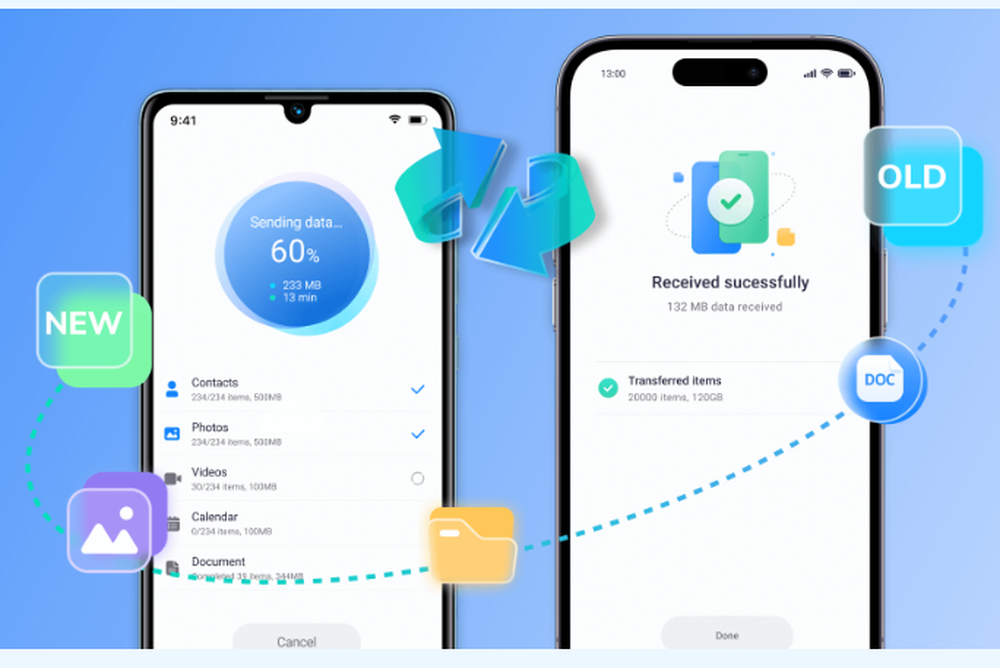
A versatile solution designed for transferring data between Android and iPhone devices, this application efficiently handles large files, ensuring swift transfers without interruptions. Users can easily connect their smartphones or tablets via a local Wi-Fi network or hotspot for seamless operation. By utilizing a straightforward activation code, sender and receiver devices can be linked with ease, allowing for a smooth transition of all content to the new device. The app facilitates the transfer of various types of content, such as contacts, images, videos, audio files, calendars, and WhatsApp™ conversations. Importantly, all data is exchanged securely through a peer-to-peer channel, eliminating the need for cloud networks or servers. With the Smart Transfer app, managing and transferring data on a new device becomes a hassle-free experience. Transitioning between phones is now simpler, allowing users to move files without sacrificing quality while ensuring a seamless data transfer process. Additionally, this mobile transfer app is equipped to support multiple languages, making it accessible to a wider audience. Now, users can enjoy a reliable way to switch devices without the usual complications.
Learn more