Access your bank's or credit union's financial performance from anywhere, anytime. Secure, cloud-based access gives you insight into your bank's financial performance. With a few clicks, you can access margin components, branch performance, forecasts, and more. The Banker's Dashboard and Credit Union Dashboard integrate seamlessly with your core processor. Easy setup allows you to immediately improve your bottom line. Automate reporting and eliminate errors so you can focus on higher-value tasks. Multiple forecast scenarios can be quickly run and revised, allowing you to analyze variances and other strategies. Compare branch performance. For better results, institute best practices and hold branches accountable.
Learn more

Project Insight helps organizations connect project data across teams and systems to make better decisions about their business. As a strategic project and portfolio management platform, it brings together resource and capacity planning, financial management, project requests, execution, governance, and portfolio performance.
The result is a connected project data backbone that gives PMOs and executives visibility into organization-wide work and supports trustworthy reporting, forecasting, and AI analysis.
Teams can continue using familiar tools such as Jira, Azure DevOps, Microsoft, Salesforce, ServiceNow, and HubSpot while Project Insight brings their project information into one central command center, reducing manual data entry and disconnected reporting.
Manage projects, programs, and portfolios using flexible workflows, intelligent scheduling, Gantt charts, Kanban boards, time tracking, budget management, and customizable dashboards. Leaders can monitor workloads, project health, costs, and strategic priorities without chasing information across departments.
AI-powered features help create project plans, turn meeting discussions into action items, recommend resources, forecast capacity, and evaluate what-if scenarios.
From growing teams outgrowing spreadsheets to established PMOs with complex business processes, Project Insight adapts to the way organizations work through configurable processes, dedicated onboarding support, and free view-only access for clients and stakeholders.
Learn more
e!Sankey
One of the leading applications for crafting Sankey diagrams is e!Sankey, which allows you to effectively illustrate the movement of materials, energy, or value streams within your organization or throughout the supply chain. These visually appealing diagrams can easily be included in reports or presentations, enhancing your communications. Utilizing data visualization helps demystify intricate relationships within process systems, making it an essential practice. Unlike standard flow charts, Sankey diagrams feature arrows whose widths correspond to the volume of flow, thereby highlighting the most significant flows within the network. With the intuitive net editor, you can effortlessly create your diagrams by simply drawing arrows and processes, facilitating a smooth design experience. Enjoy a straightforward entry and unit management system, complete with unit conversion capabilities. Additionally, e!Sankey offers the functionality to calculate flow quantities, further streamlining the process of generating informative and clear Sankey diagrams for your needs. This tool not only promotes clarity but also supports more effective decision-making based on visualized data.
Learn more
DataSquirrel AI
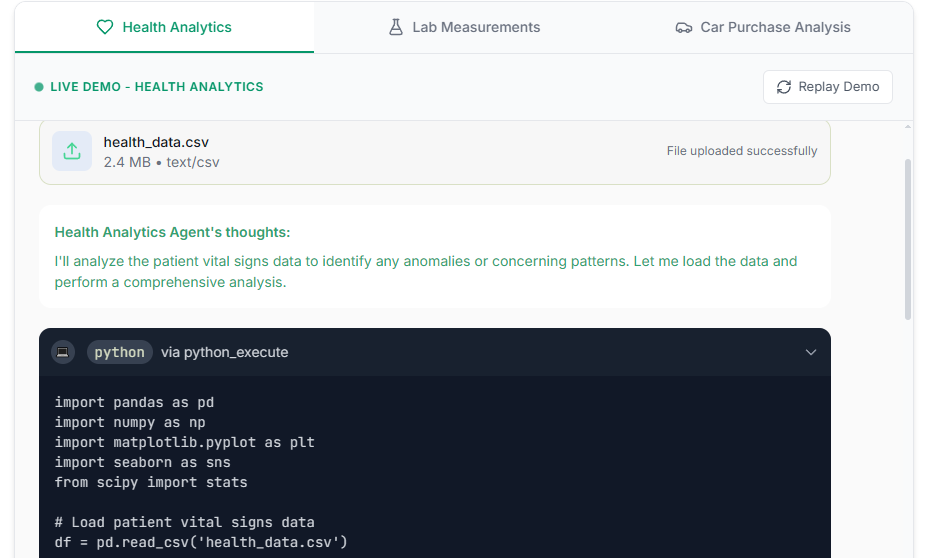
Your quickest path from csv/xls data to Dashboard report in 1 minute. No SQL, Excel or Statistical expertise needed.
DataSquirrel saves you time, stress, and pain when understanding data, creating clear visuals and dashboard reports. It's: Fast. Guided. Plain English. Auto-analyze. Auto-clean. Auto-chart. Share. Comment. Download.
More often than not, business users and data analysts are required to analyse large data files (excel, google sheet,.csv) on a day-to-day basis. And these can be hard to do, time-consuming and skill-demanding tasks.
Existing products like Tableau, Qlikview or even Excel or Google Spreadsheet just don’t help people with impromptu data enough when it comes to determining problems with their data file, analysing or visualising it.
DataSquirrel's focus is to improve everyone’s life in dealing with data files - with cleaning data, with late requests for presentations and with finding gold in your data. Our AI assisted EDA/Data cleaning and presentation techniques; clubbed with modern visuals & smart auto-analysis enables you to create beautiful share-able charts, reports and even interactive custom dashboards - powering you to produce useful insights and communicate effectively.
Learn more